Creating project
Learn how to create a new project, select project templates, configure package managers, and import existing projects in the editor.
Dashboard
When opening the Babylon.js Editor application, the first window that appears is the dashboard. The dashboard is where you create, open, and manage your projects. By default, the dashboard is empty until your first project is registered.
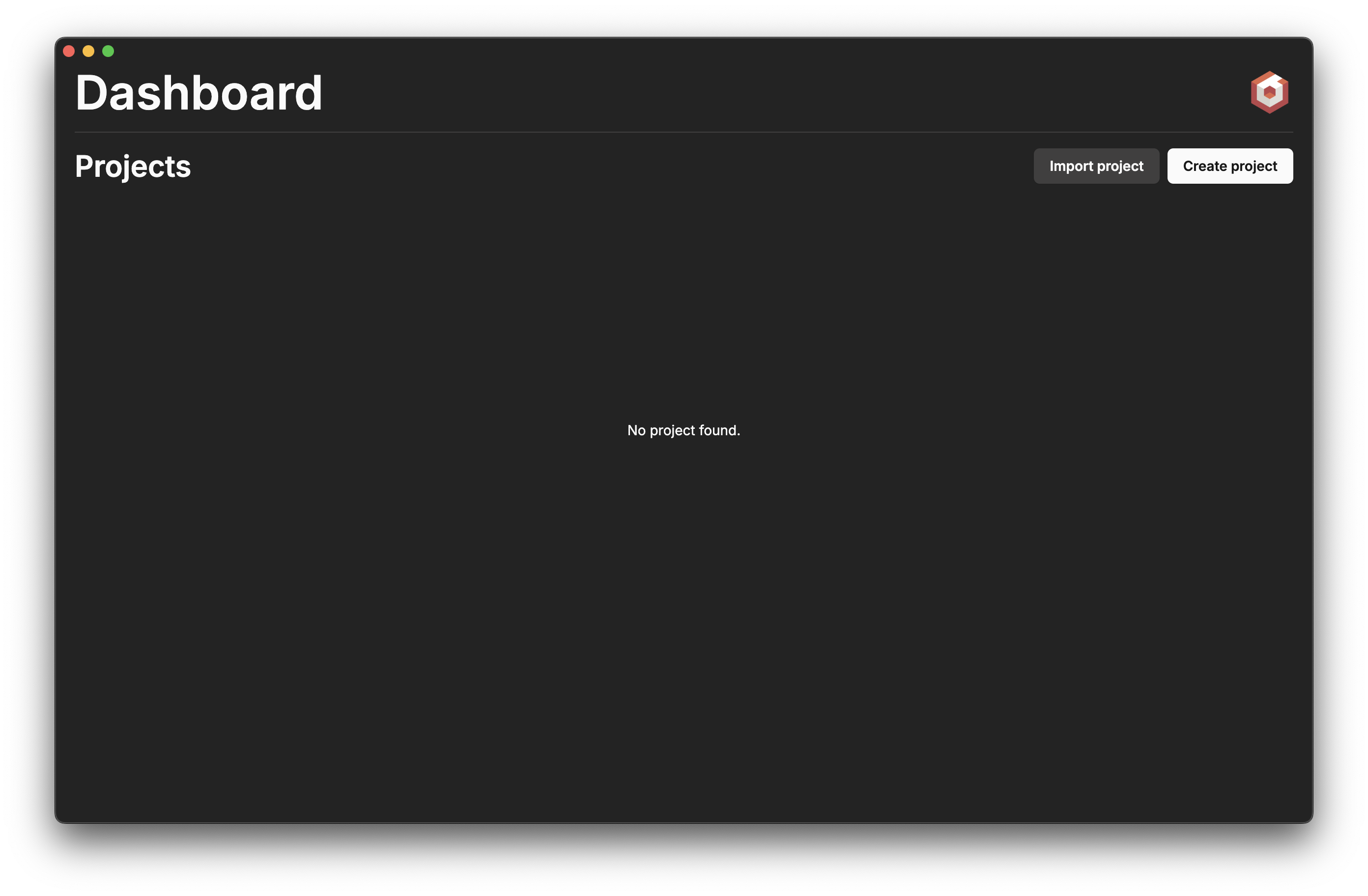
From the dashboard, you have two options:
- Click the Create project button to generate a new workspace.
- Click Import project to register an already existing project on your machine.
Create project
Selecting destination
When creating a new project, the dashboard asks for a target folder. Click Browse... and select an empty folder on your disk.
Choosing package manager
The editor automatically installs dependencies for the newly created project using your preferred package manager. You can select:
- npm: Comes pre-installed with Node.js. Stable, reliable, and widely supported.
- yarn: A popular alternative to npm known for speed and reliability.
- pnpm: Uses a content-addressable store to save disk space and speed up installations. Strict and deterministic.
- bun: Uses the fast Bun runtime and package manager.
Choosing template
The editor provides several preconfigured templates to get started quickly:
- Next.js: Minimal template preconfigured to use Next.js with React.
- SolidJS: Minimal template preconfigured with SolidJS.
- Vanilla: Basic template suitable for custom web setups.
- Electron: Minimal template preconfigured for desktop apps using Electron.
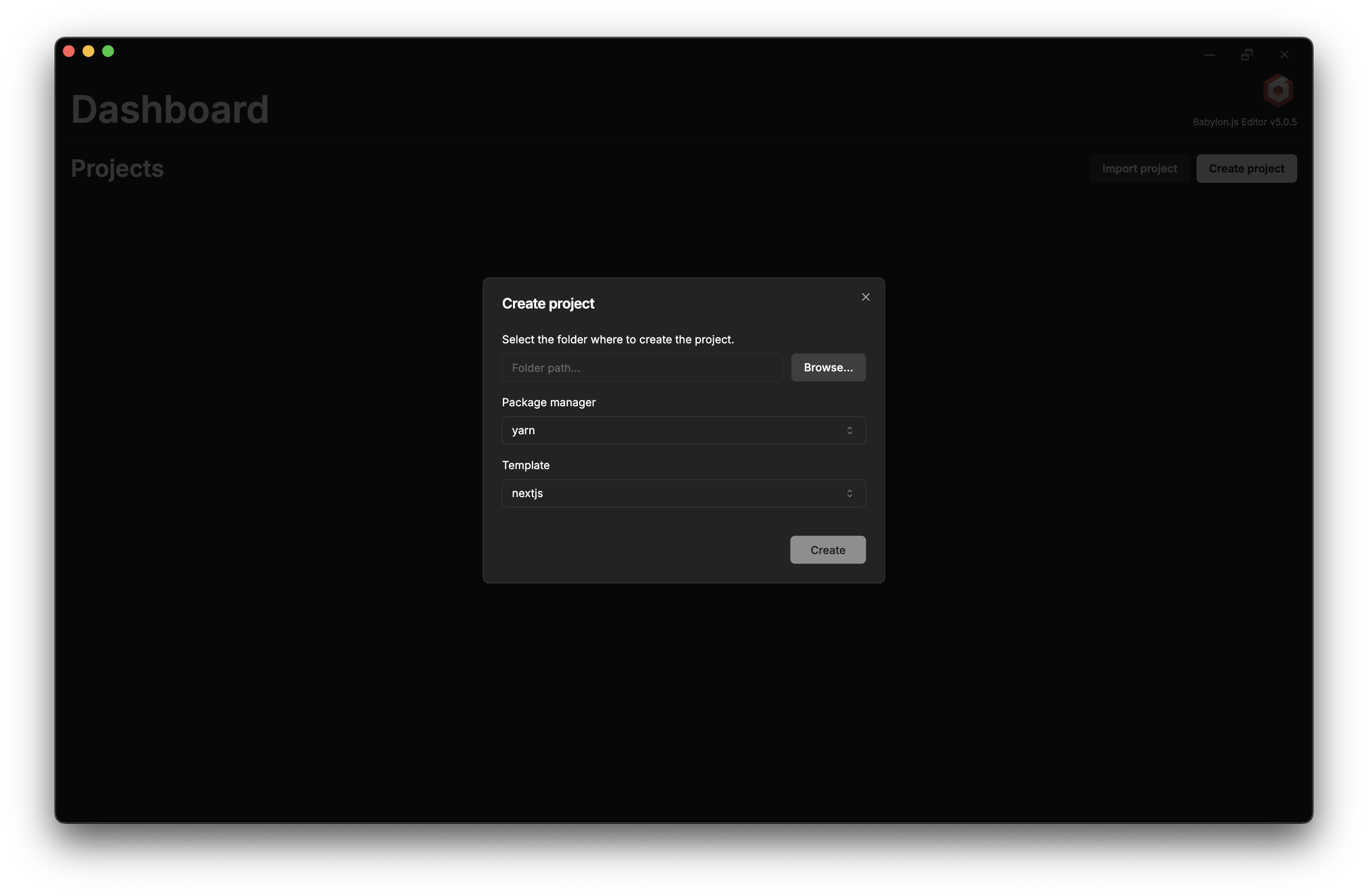
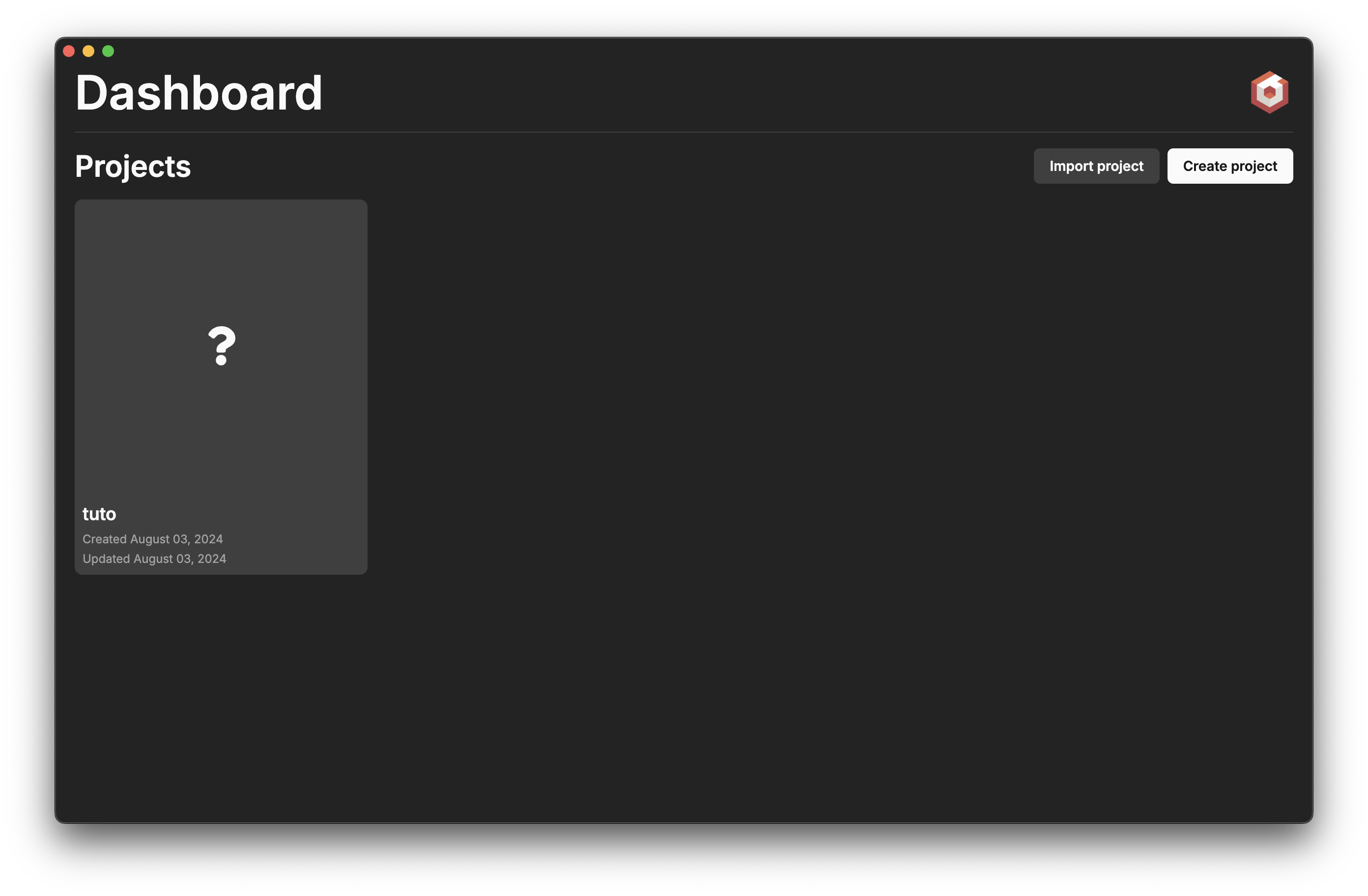
Once configured, click Create and your new project will appear in the dashboard.
Opening and Editing
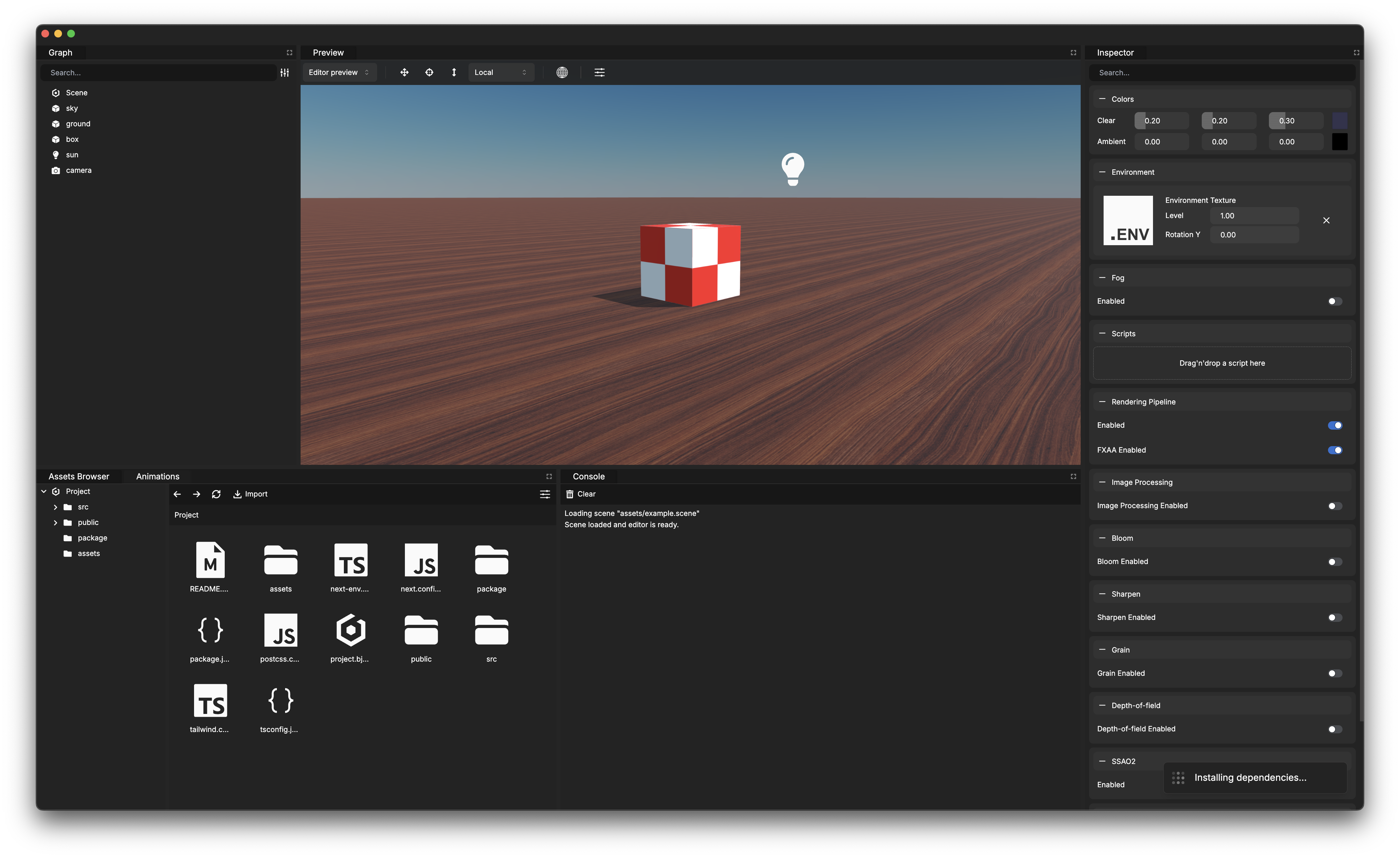
To open and edit your project, double-click on its card in the dashboard. From there, you can start composing your scene, adding scripts to your objects and running your project directly from the editor.
Import project
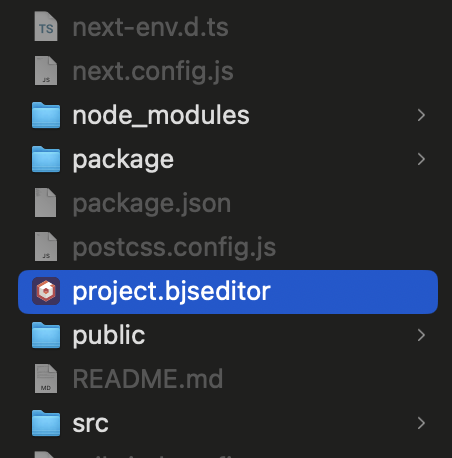
If you already have a Babylon.js Editor project created previously or on another machine, click Import project. Locate your project folder, select the .bjseditor file, and click Open.